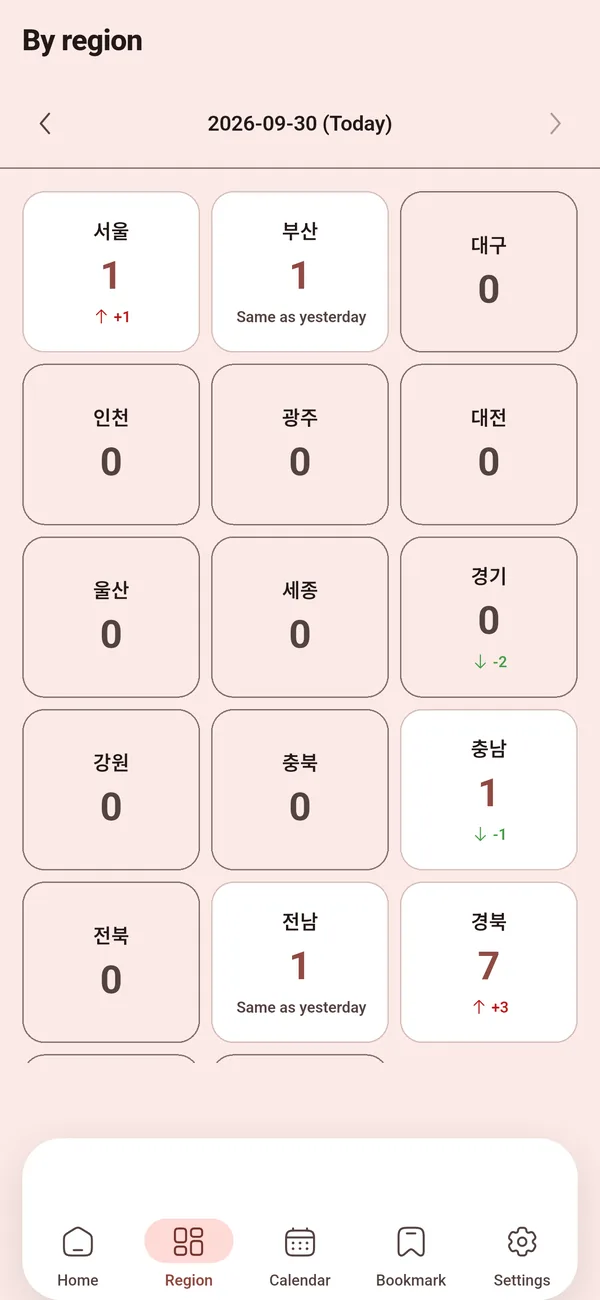
Regional overview
Alert counts by province for any day, with the change from the previous day.
Korean emergency alerts
Emergency text alerts pop up once and disappear. Alarmy keeps them as a searchable list — nationwide, by region and by type — so you can find the one you missed in seconds.
Alarmy is an independent app made by MintSoft. It does not represent and is not affiliated with the Ministry of the Interior and Safety or any government agency of the Republic of Korea. Official alerts are delivered by your phone's emergency alert system — for the official government app, use Safety Korea (안전디딤돌).
Features
Everything you need to check what happened, where, and what to do next.
Alert counts by province for any day, with the change from the previous day.
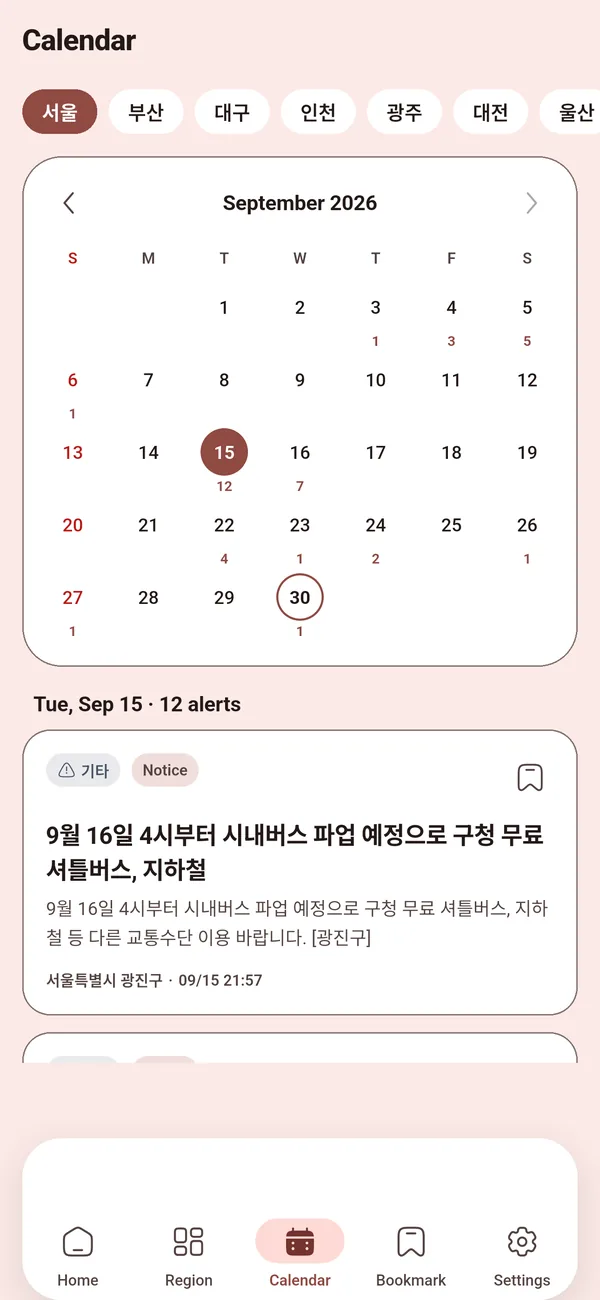
See which days had alerts in a region and open that day's messages.
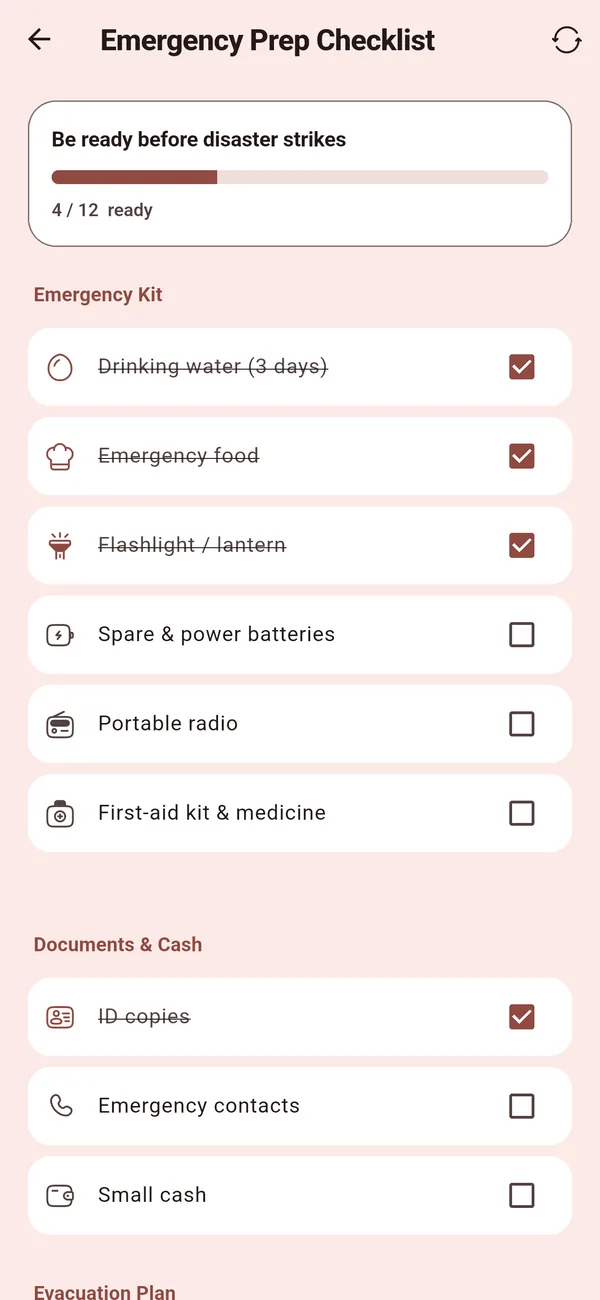
Emergency supplies and documents to prepare, checked off as you go.
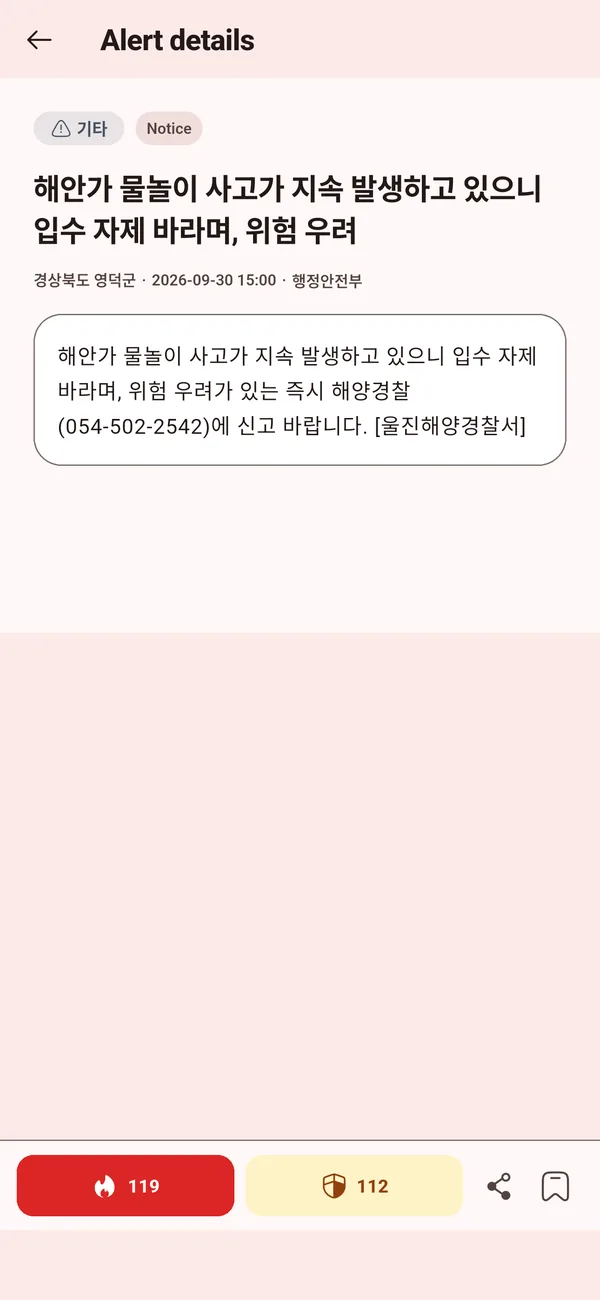
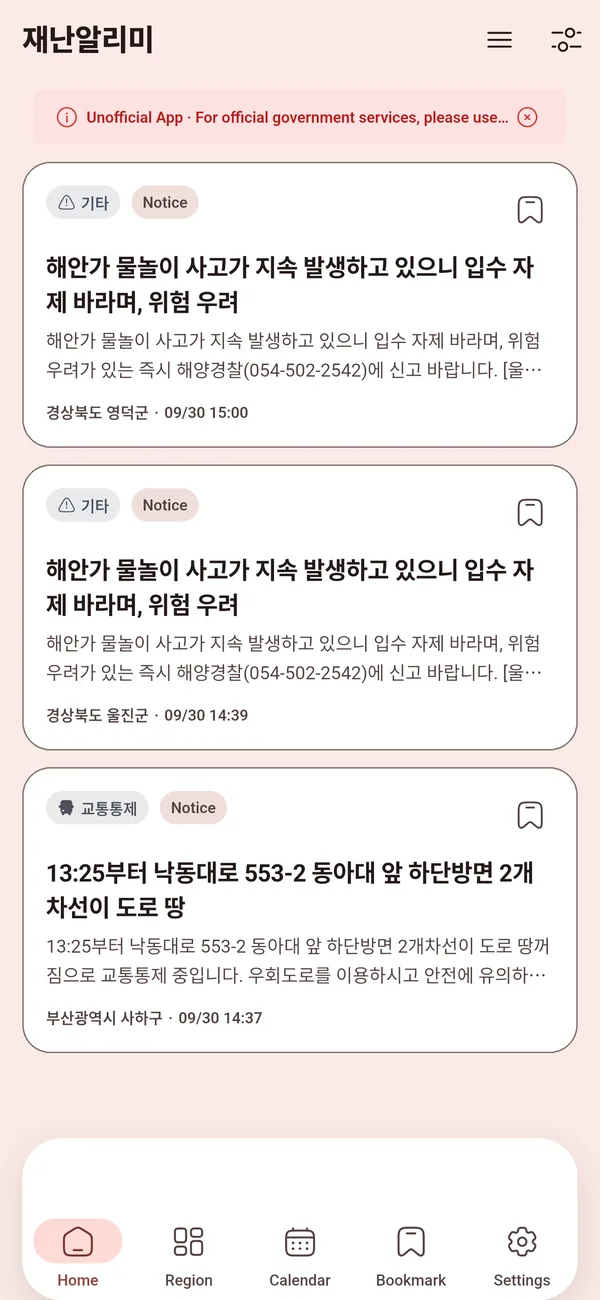
The latest emergency alert messages from across Korea, newest first, with the disaster type, level, region and time on every card.
Search by keyword or region and filter by type (heavy rain, earthquake, air quality…) and date.
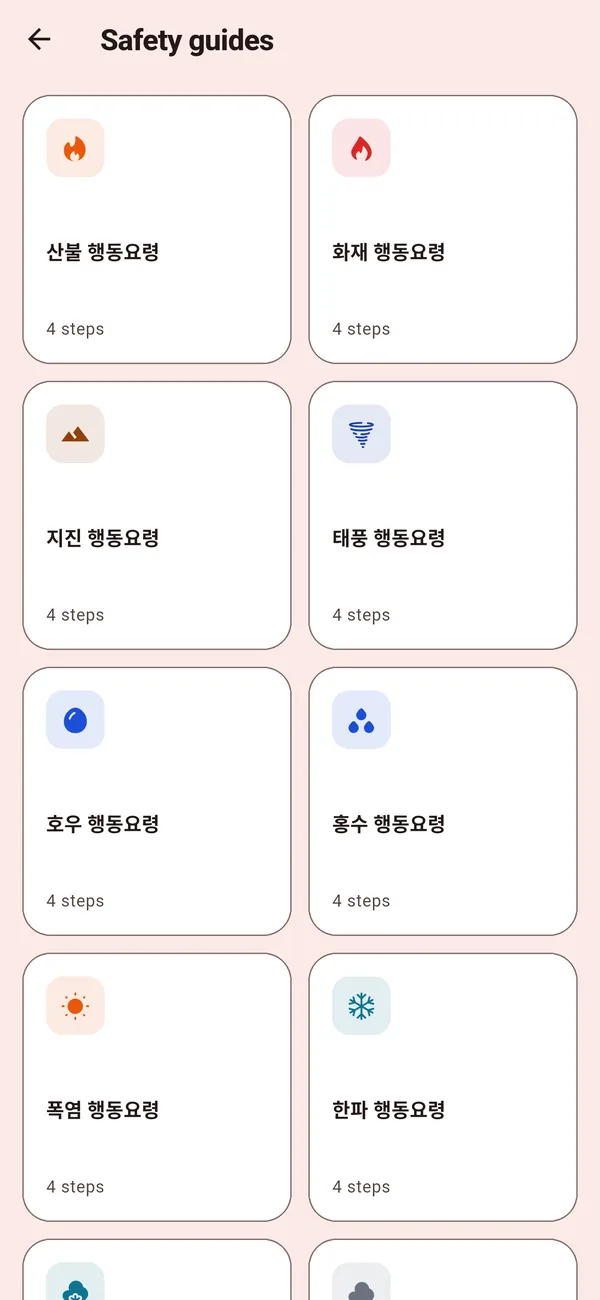
Step-by-step action guides for each disaster type, summarized from the national safety portal, plus one-tap calls to 119 and 112 from an alert.
Save important messages, and read recently loaded alerts even without a connection.
Keep a short list of family contacts on your device and share your status with them in one tap.
App screens are real captures of the running app.
Regional push alerts
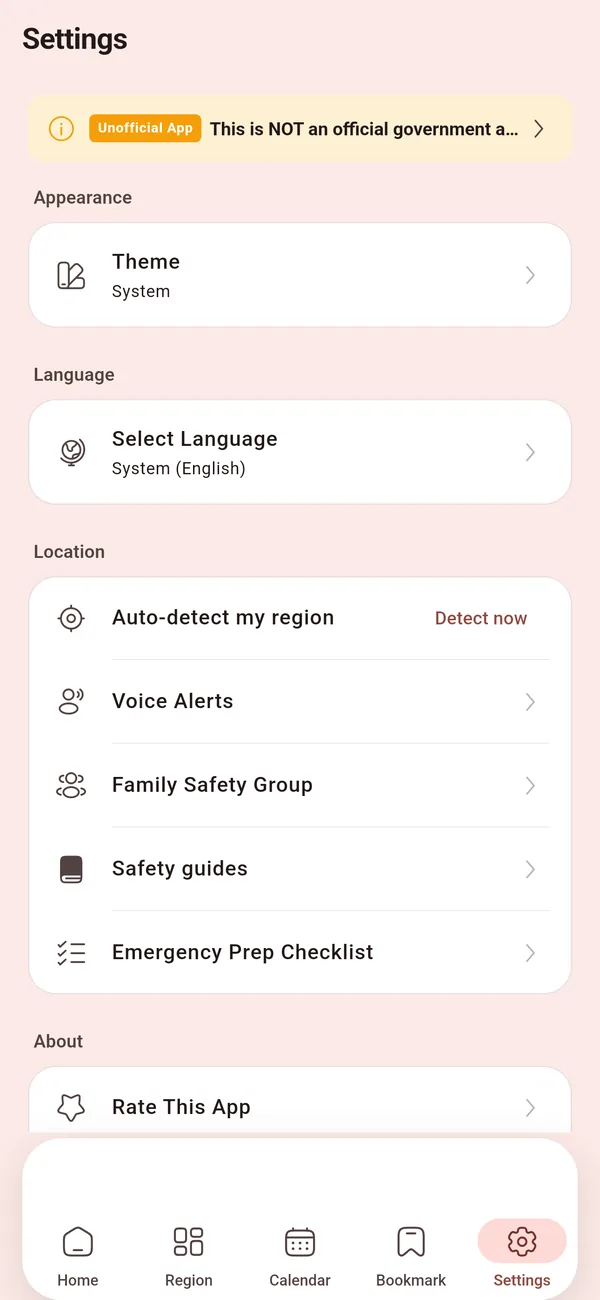
Pick the cities and districts you care about — where you live, where your parents live — or let the app use your current district. Alarmy sends a notification when a new alert is issued there.
Push alerts are a convenience and may be delayed. Your phone's official emergency alerts always come first.
Privacy
Alarmy has no sign-up and no user profiles. Bookmarks, settings, your checklist and family contacts are stored only on your device.
No name, email or phone number is needed to use the app.
Bookmarks, selected regions, checklist and family contacts never leave your phone.
When you turn on location, your phone turns it into a city/district name. Only that name is sent to find your alert region — your coordinates are not.
Data sources
Alert messages come from the Ministry of the Interior and Safety's public data and are shown without changes.
FAQ
No. Alarmy is an unofficial app made by MintSoft and is not affiliated with any government agency. Official emergency alerts reach your phone through its built-in emergency alert system. The official government app is Safety Korea (안전디딤돌).
Yes. Alarmy is free and supported by ads. There are no in-app purchases, and alert information is never behind a paywall.
Check that notifications for Alarmy are allowed in your phone's settings and that at least one region is selected (or current location alerts are on). Alerts below the levels you chose — or non-emergency alerts at night with quiet nights on — are not sent.
No. Location is optional — you can pick regions manually. If you turn it on, the app checks your location only while you use it, converts it to a district name on your phone, and sends only that name to our server.
The alerts cover the Republic of Korea. The app is available in 25 languages, and alert messages can be shown with a machine translation for reference; the original Korean text is authoritative.
Everything you save is on your device. Deleting the app's data or uninstalling the app removes it. If you emailed us, ask us to delete that correspondence at any time.
Free on iPhone, iPad and Android.